Ecoa
Productivity & Personal Tool
2026
Desktop & phone app
Voice to text
Transcripts & notes
WhatsApp audio
Most of my day is writing: messages to clients, notes, and the instructions I give the AI that builds the sites. Wispr Flow and Granola showed me how good it feels to talk instead, but they do much more than I need, and I wanted something simpler that keeps up with the way I speak, Portuguese and English in the same sentence. So I built Ecoa, from eco, the Portuguese for echo, because what you say comes back as text: hold two keys, speak, and the words appear wherever the cursor is, on the computer or on the phone.
Strategy
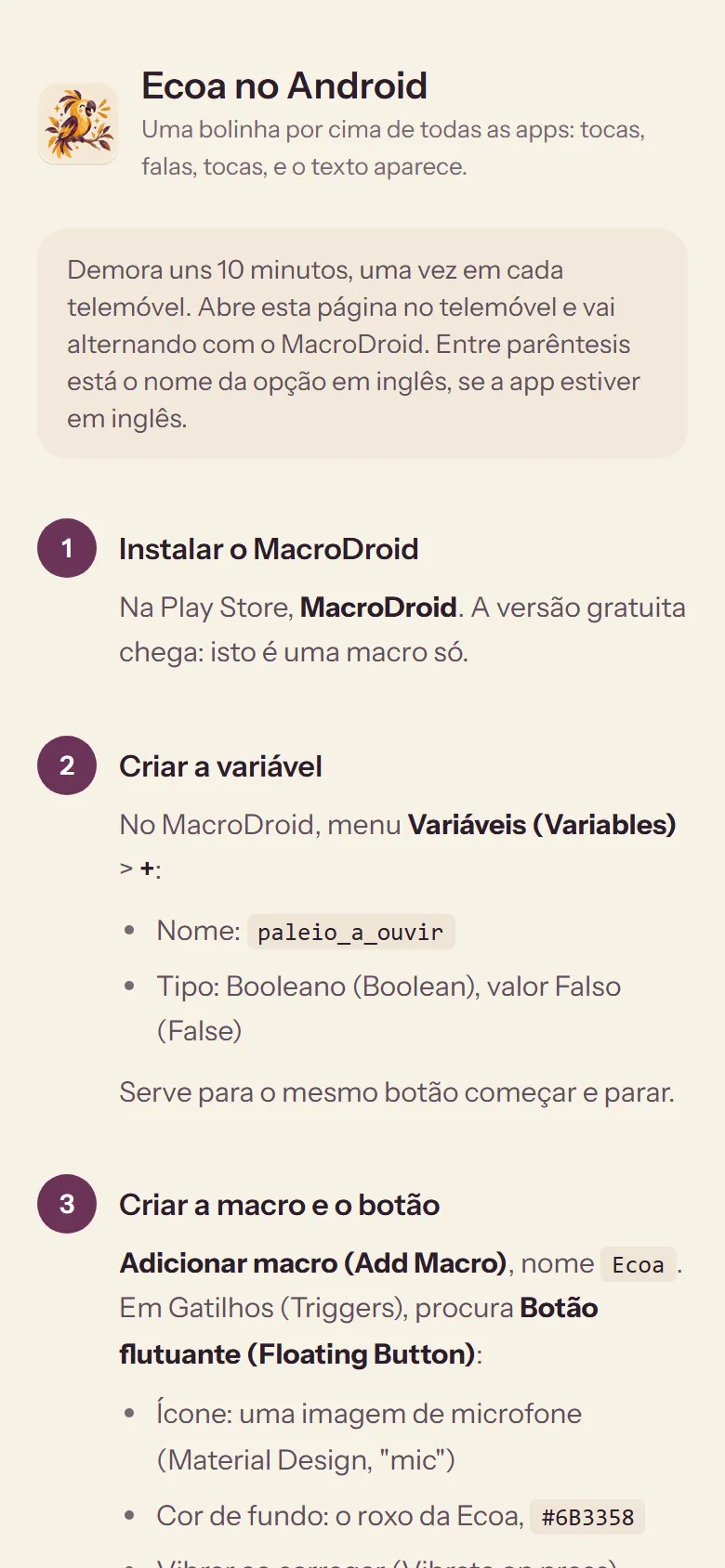
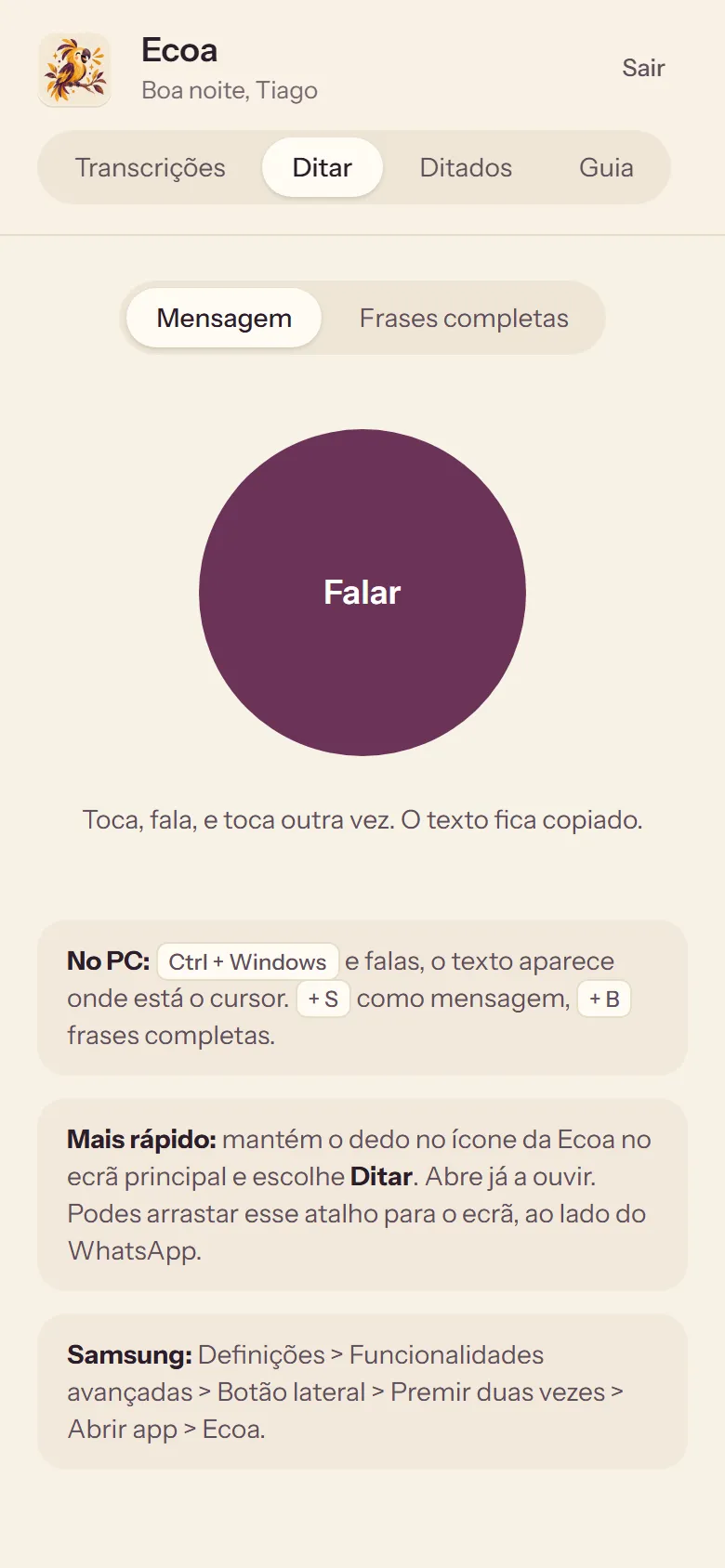
Hold Ctrl and the Windows key, speak, let go, and the text lands where the cursor was, even if you moved to another app while it was writing. On the phone, one tap on the Dictate tab does the same.
Speak English and it stays English, speak Portuguese and it stays Portuguese, and when they're mixed in one sentence, each part keeps its language. A short list of names makes sure clients and tools are always spelled right.
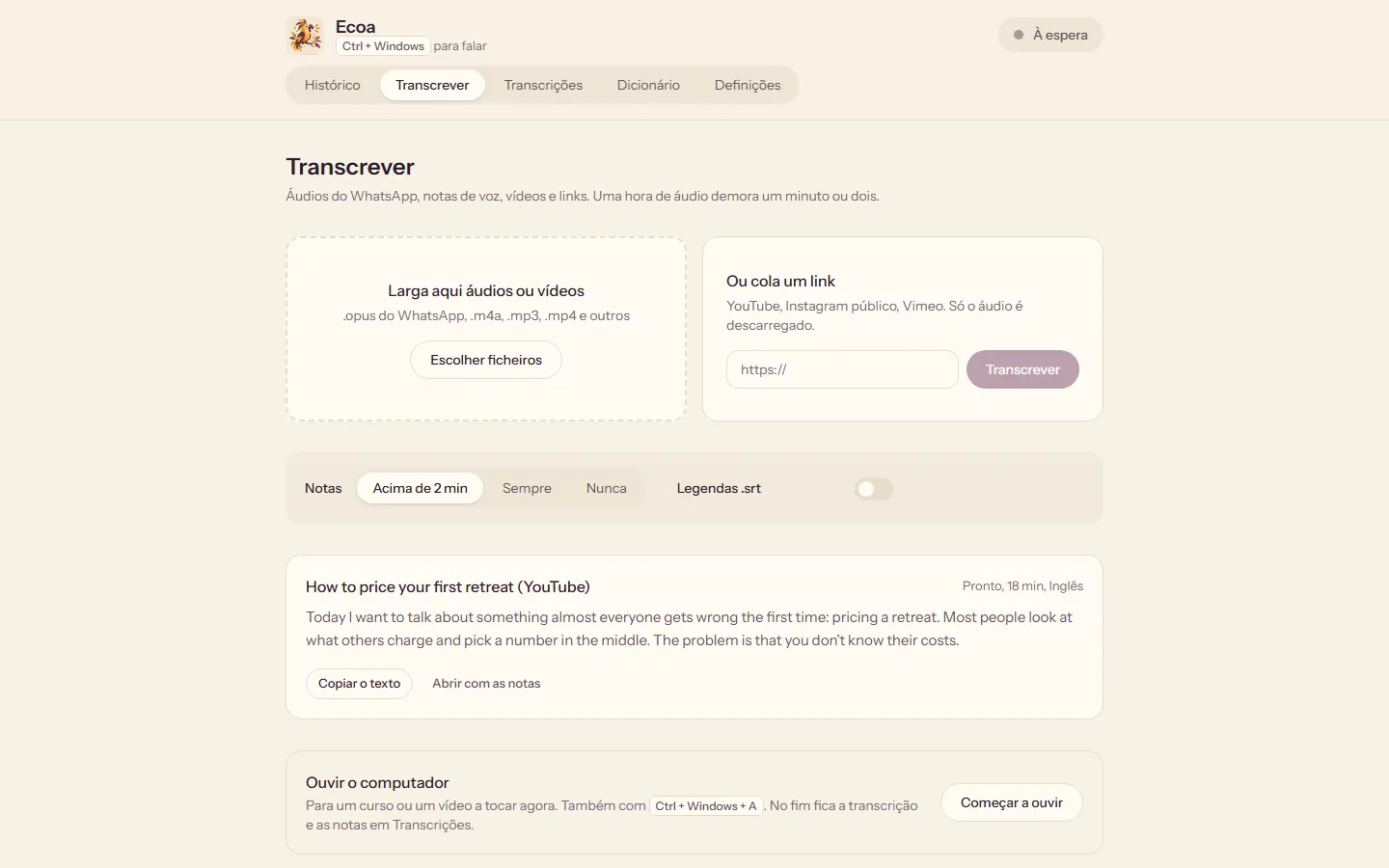
Courses, YouTube videos, voice notes on WhatsApp and Instagram: Ecoa turns them into text and notes, so I read in two minutes what would take twenty to listen to.
Design
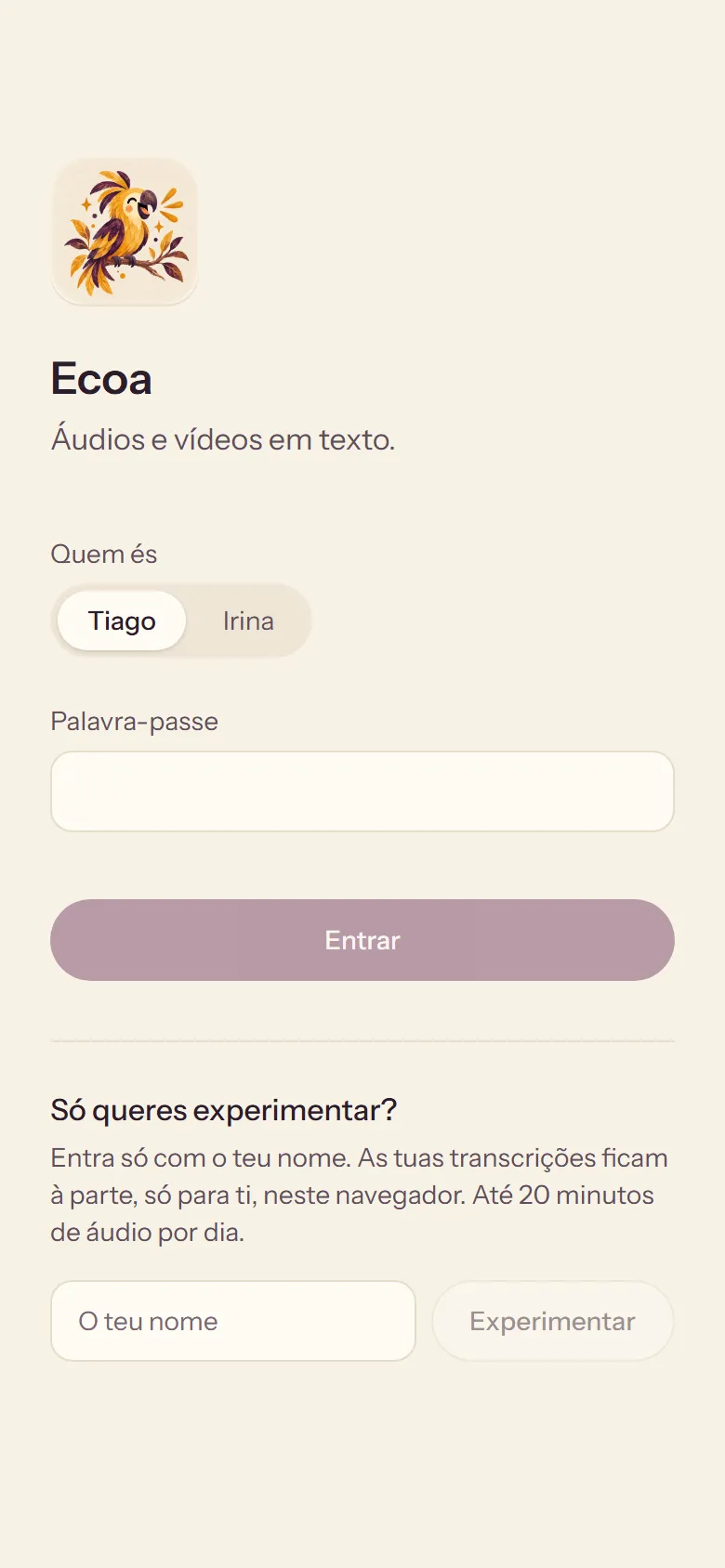
Cream paper, a hand-painted parrot in purple and yellow, and yellow kept for one thing only: the dot that shows it's listening. At night it turns to deep aubergine on its own.
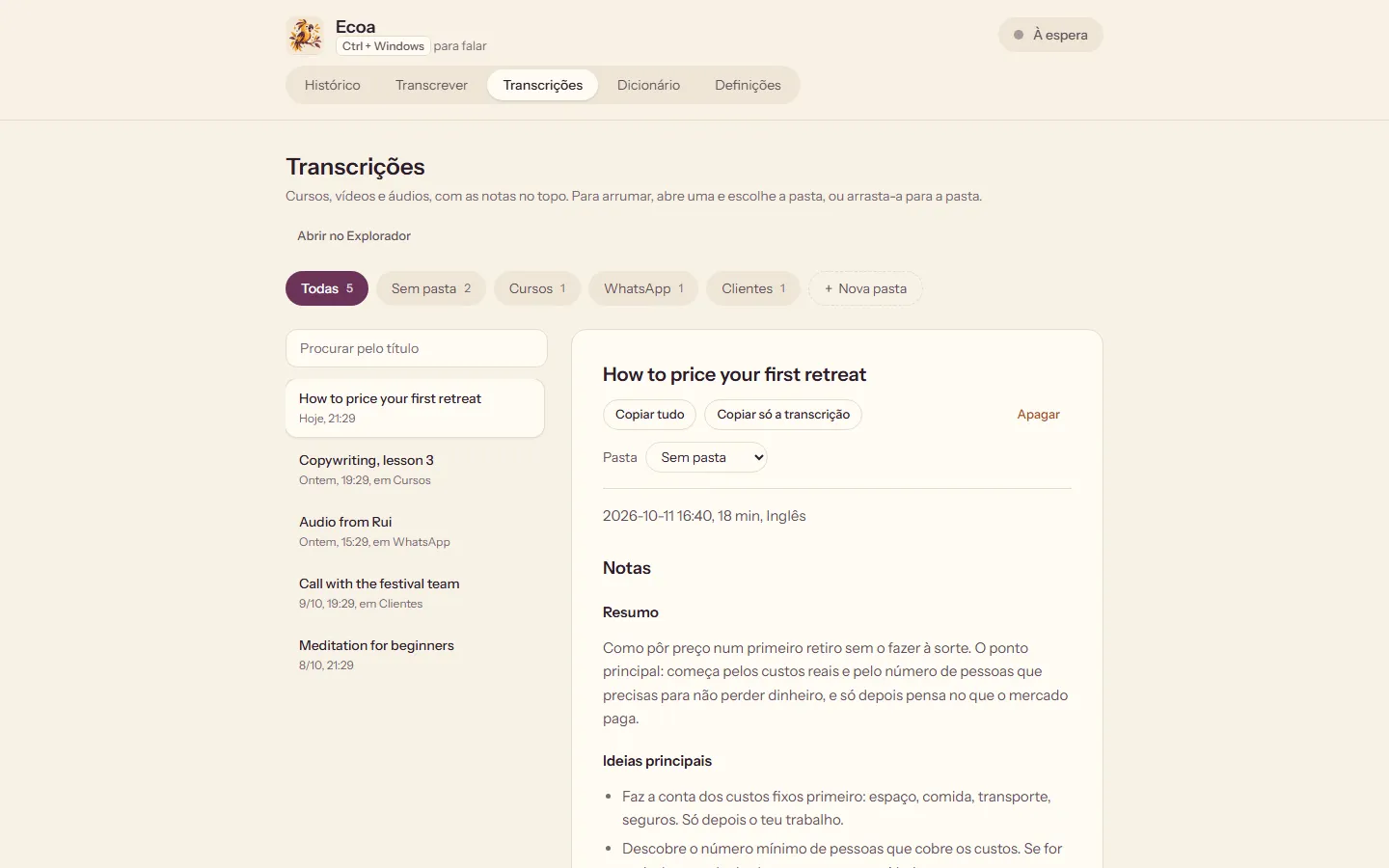
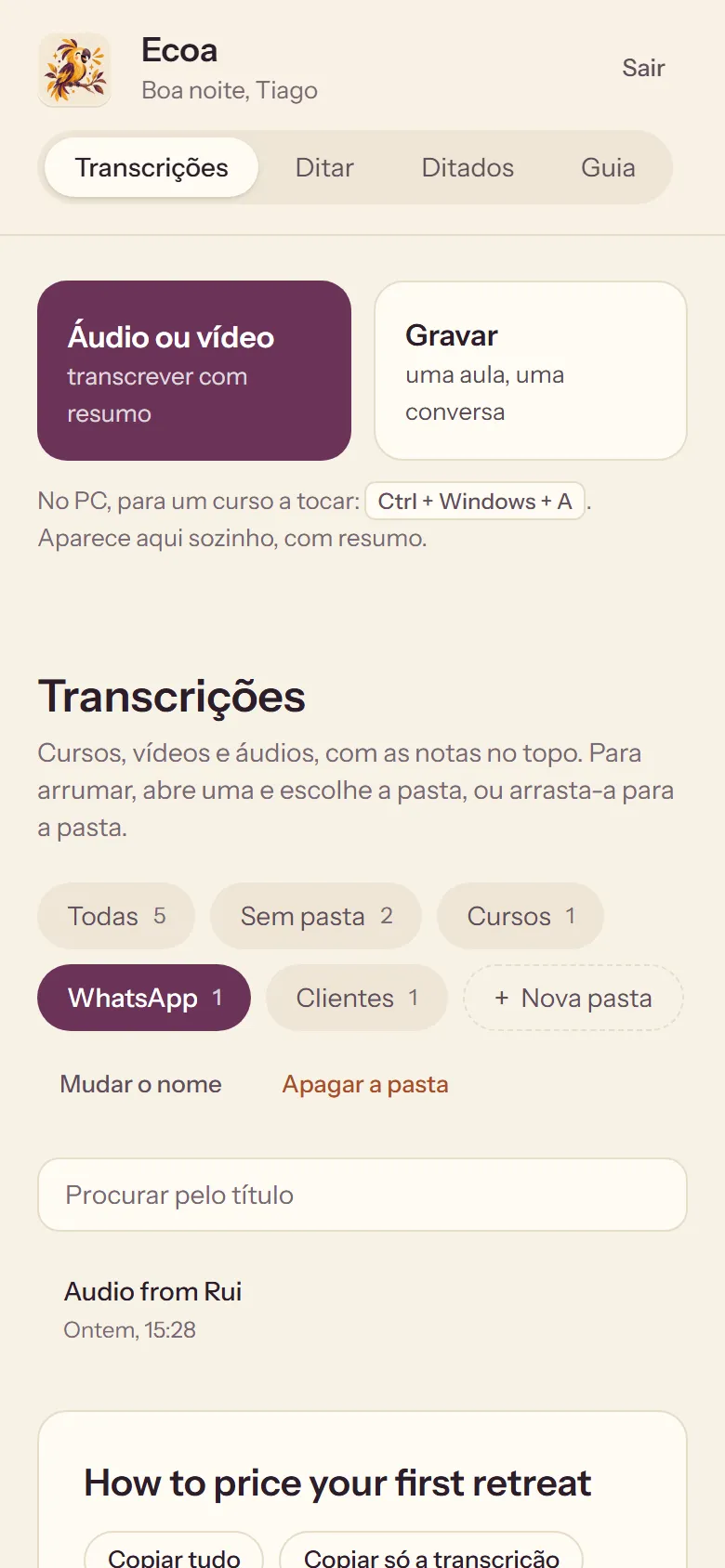
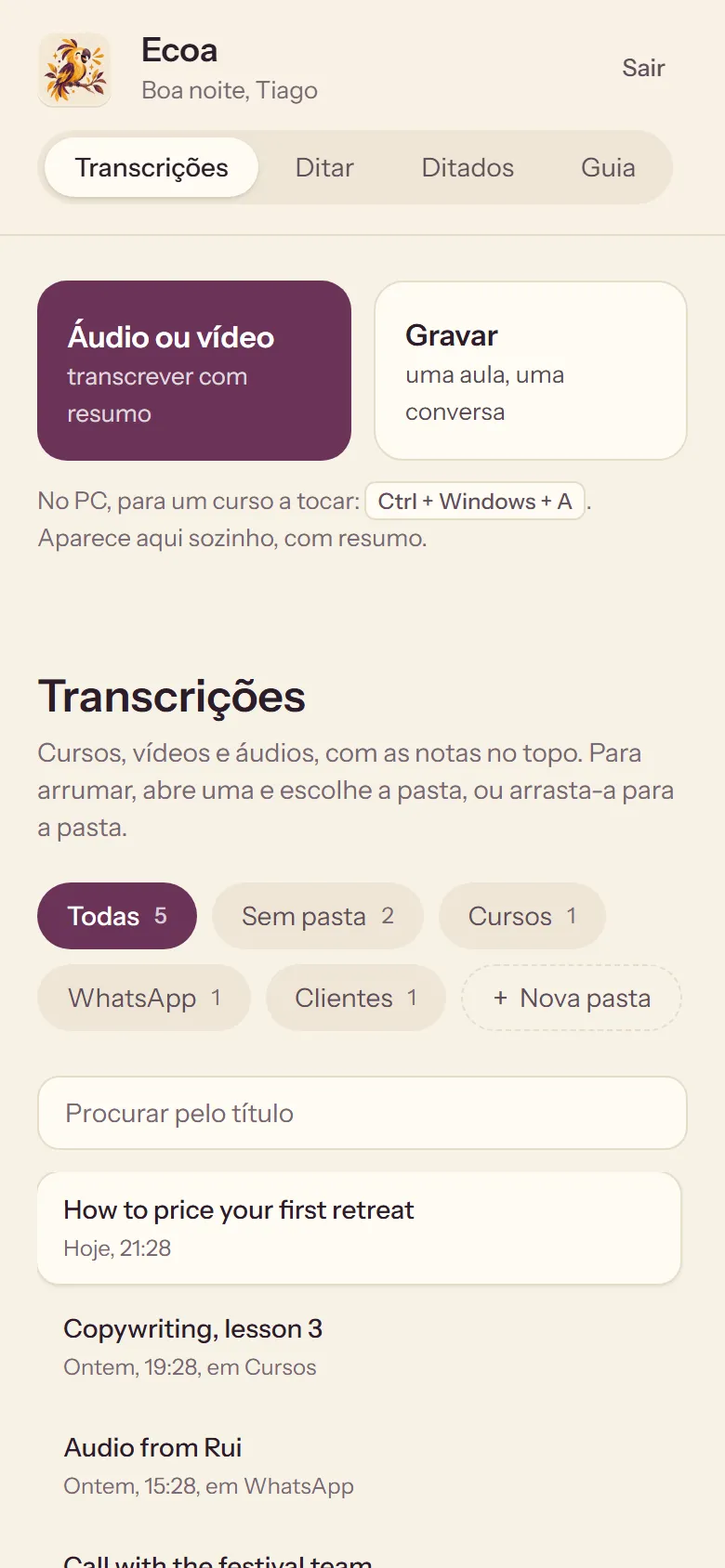
The transcripts screen is the same on the computer and on the phone, with the notes on top and folders to keep things tidy, so there's nothing new to learn.
While it listens, a small pill at the bottom of the screen follows my voice, and while it writes, three yellow dots. It never takes the cursor away.
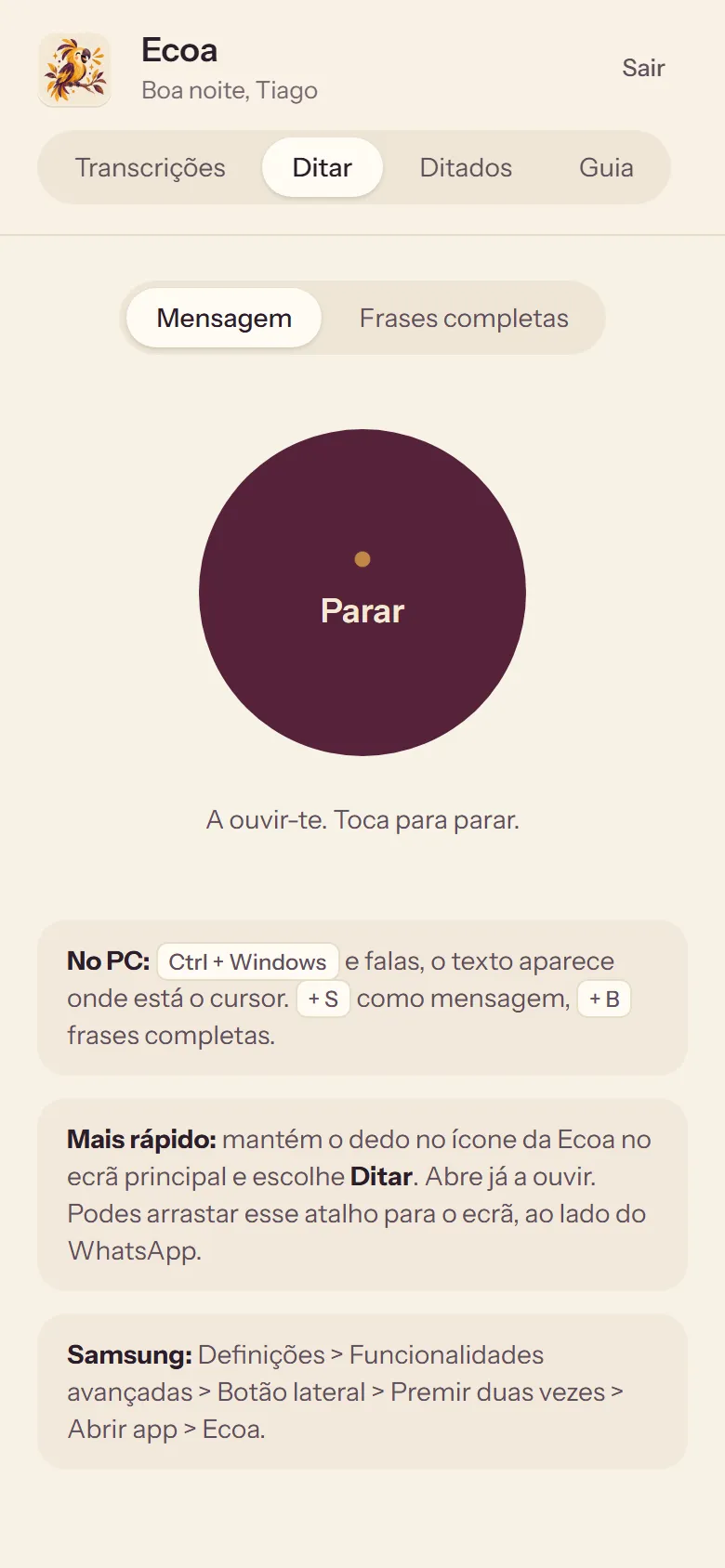
1. DictateTap, speak, tap again, and the text is copied.
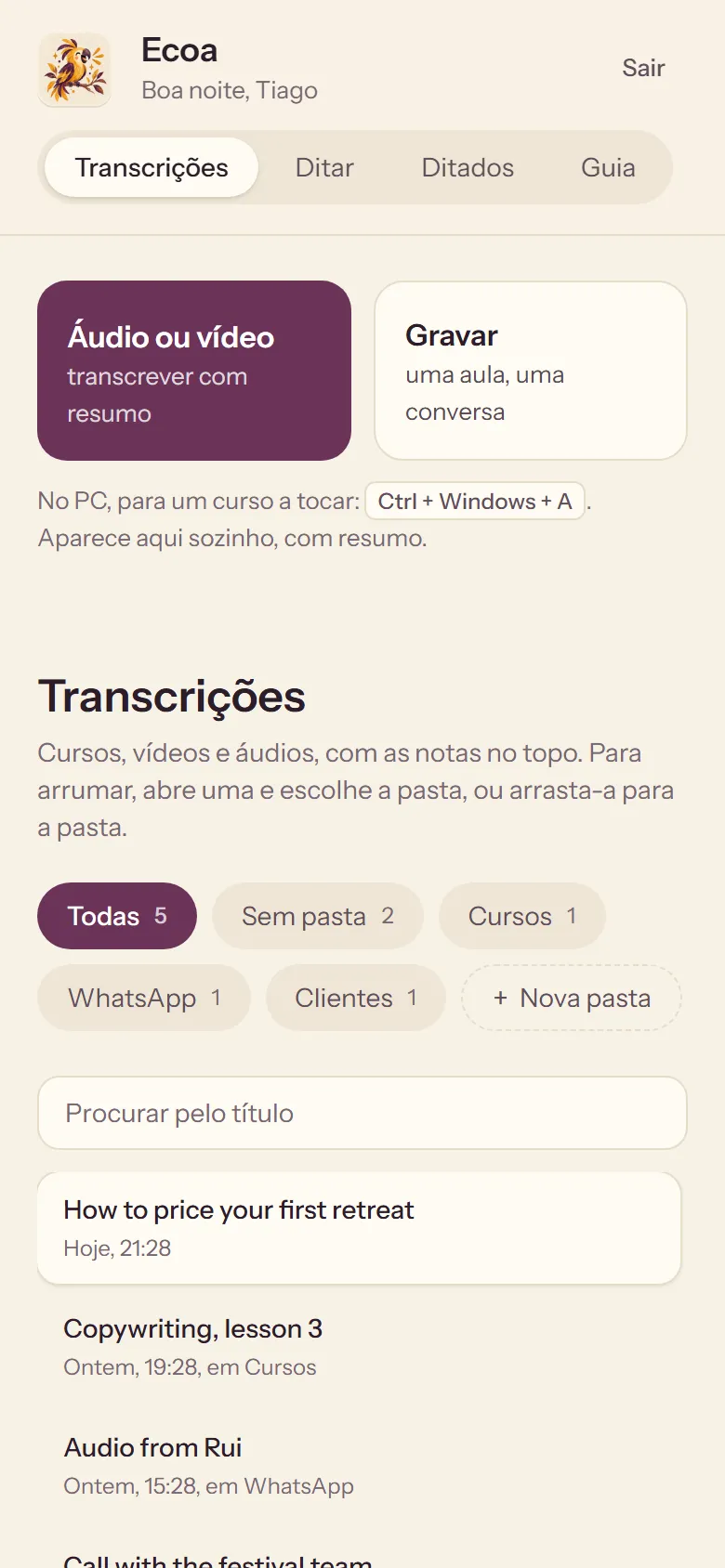
2. Notes on topThe summary first, the full transcript underneath.
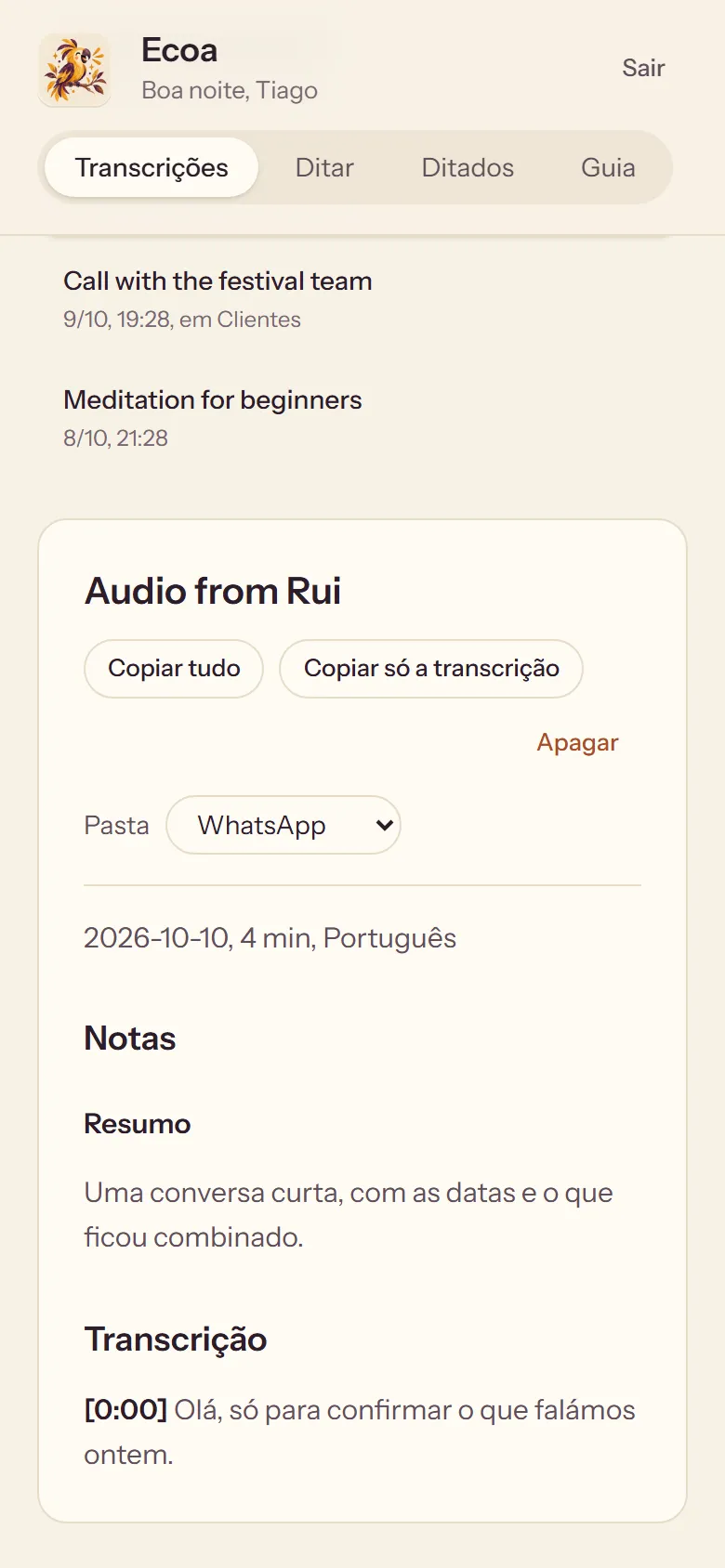
3. A voice note, readShare it from WhatsApp, and it comes back as text.
Results
Next, maybe for you too. Pataca, Ecoa and Tecela are NimGuru apps, made by Irina and me for our own home. If other people want them one day, they will open with a free trial and then one small subscription, with everything included from the first day. Inside, a suggestions tab goes straight to me, and what you ask for gets built within a week.