Tecela
Productivity & Personal Tool
2026
Web app
Phone & computer
Shared tasks
Client pipeline
Irina and I used to keep everything in Asana: the house, her work, mine, and my list of clients. Asana is built for big teams, and we are two people and a home. What we wanted was smaller: one screen for today, a list for tomorrow written the night before, and a place for ideas that are not tasks yet. So I built Tecela, from the Portuguese tecê-la, to weave it: the place where ideas take thread, with Nim's tasks and Guru's side by side, on the phone and on the computer.
Strategy
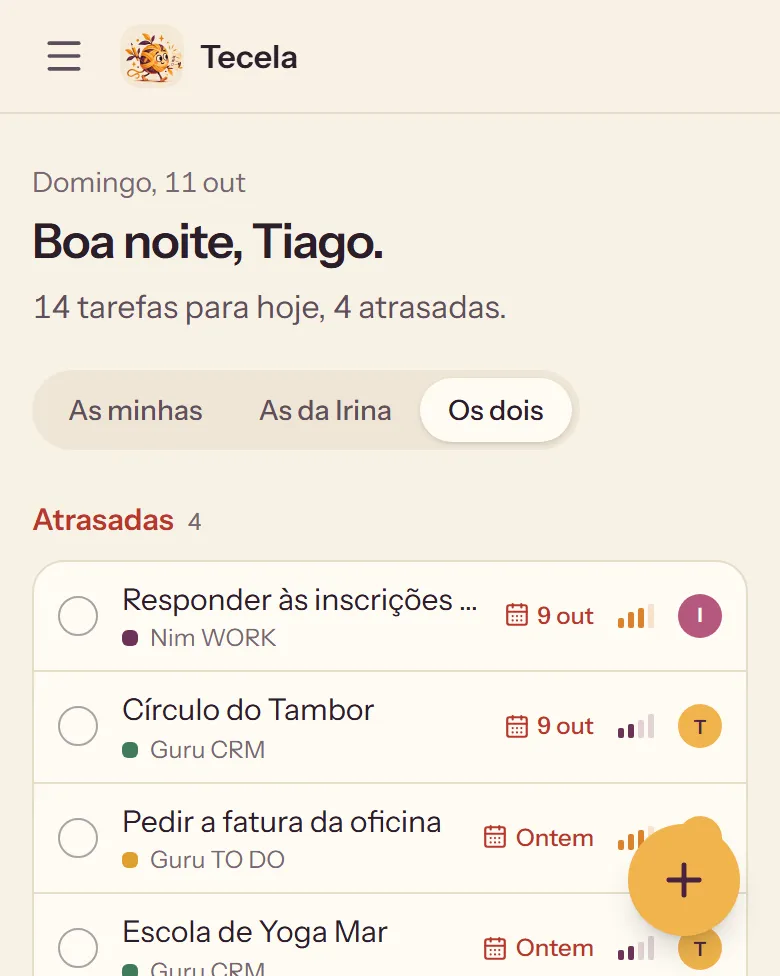
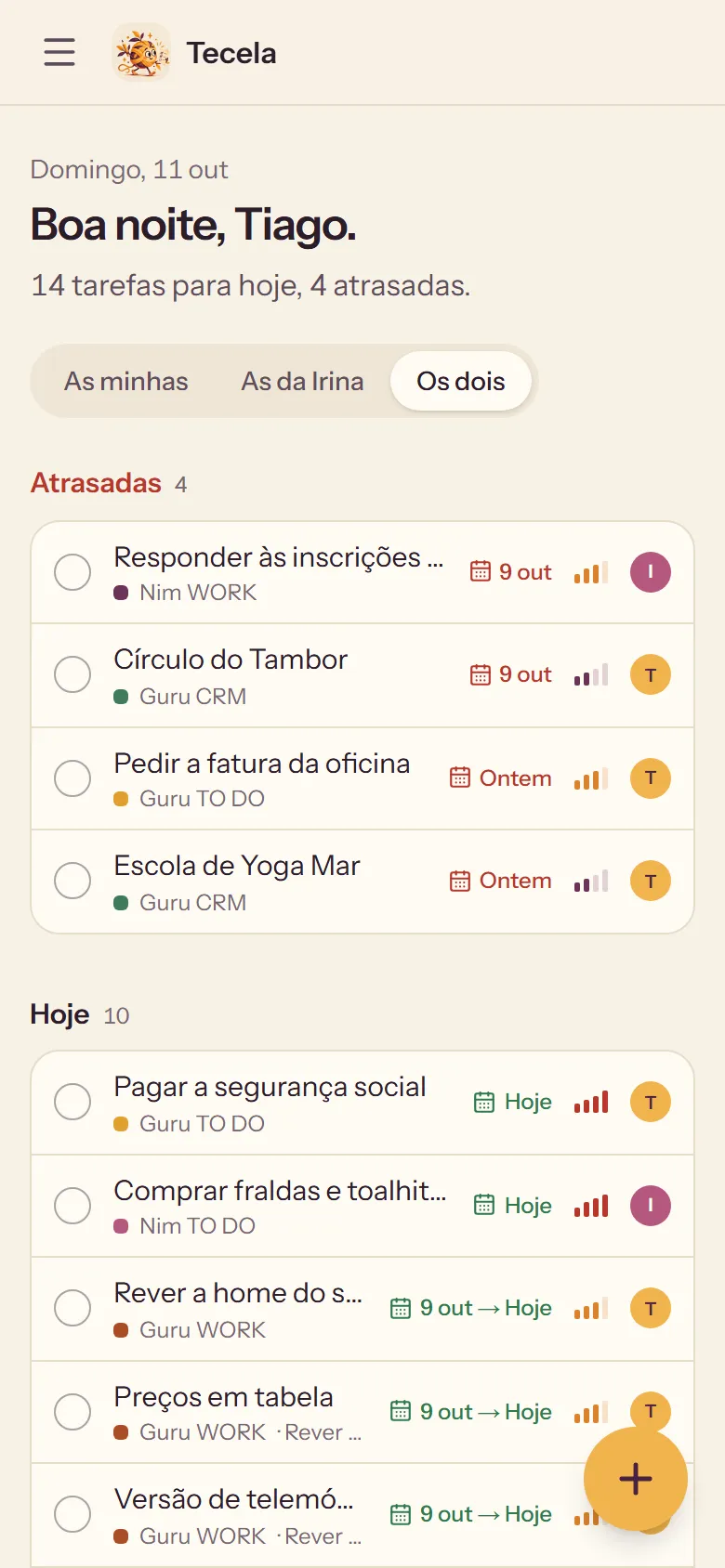
The first screen gathers what is late, what is due today and the next seven days, from every project. One switch shows my tasks, Irina's, or both.
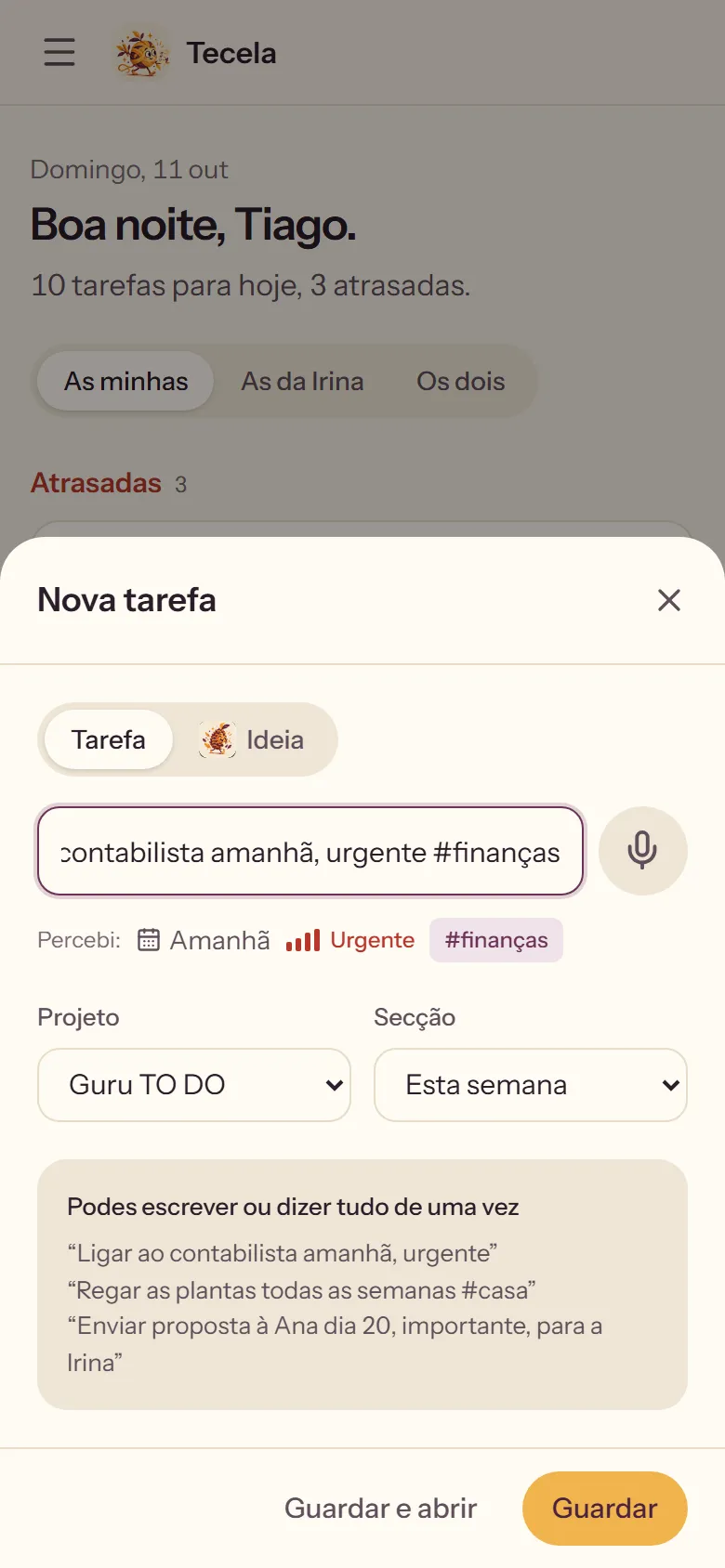
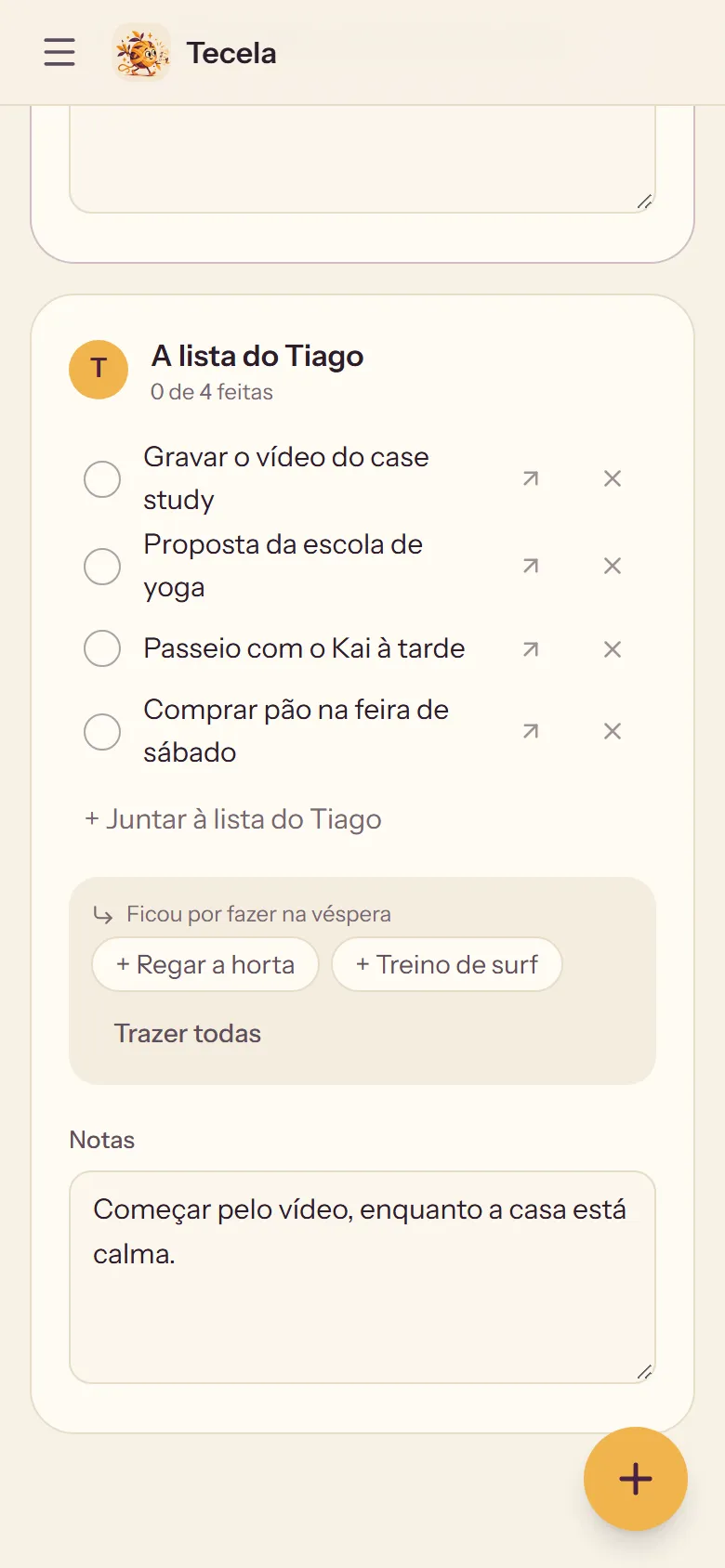
Each of us writes the list for the next day and can read and add to the other's. Whatever was left undone comes back with one click, and any line can become a real task.
Pinha, the pine cone, keeps the seeds: ideas in folders, with no dates and no status, so they never crowd the day. When one is ready, it becomes a task and remembers where it came from.
Design
Cream paper, purple, and yellow kept for one thing: creating. The logo is hand-painted, a happy ball of yarn walking with a pencil and a checklist. At night it turns aubergine.
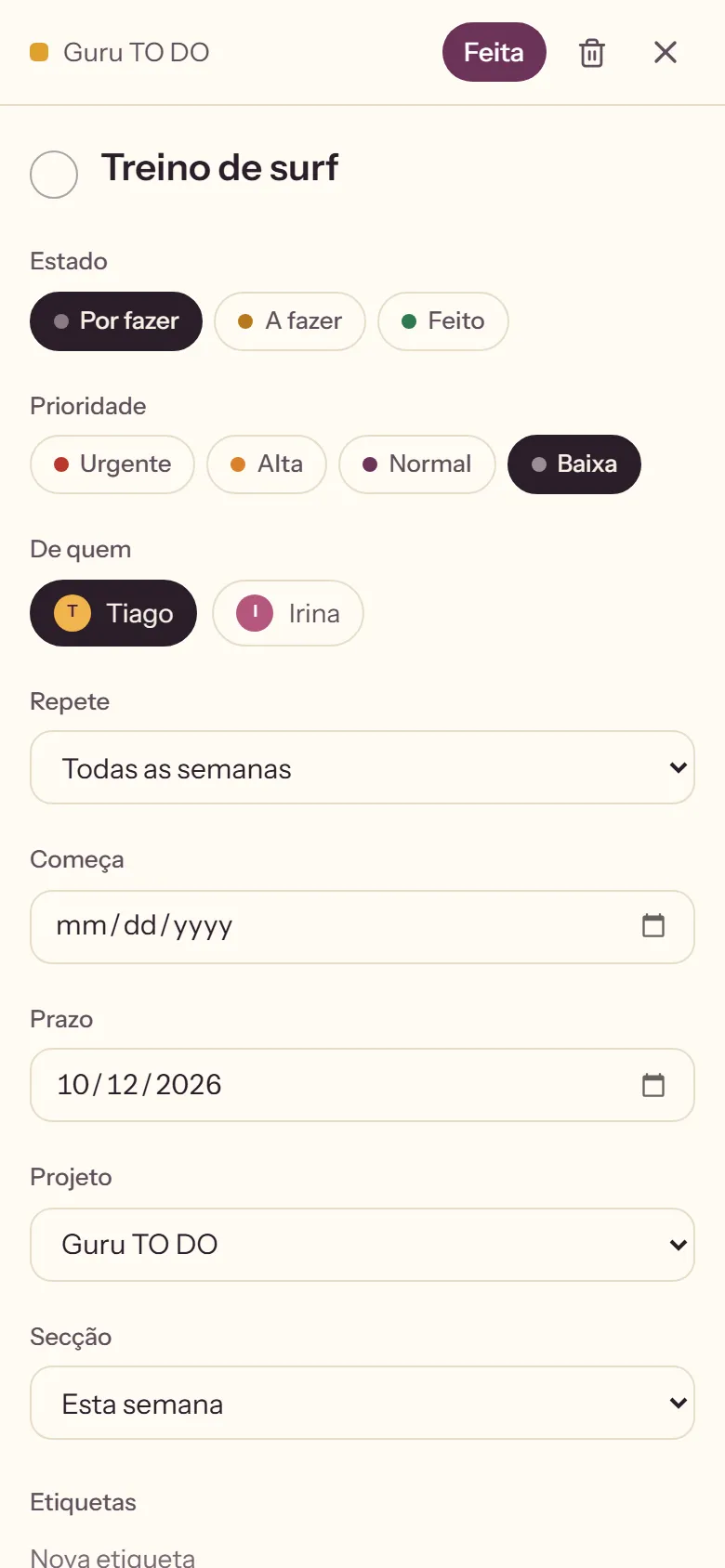
Grey, amber and green for to do, doing and done. Priority looks like phone signal: four red bars for urgent, one grey bar for low. There is always a word next to the colour.
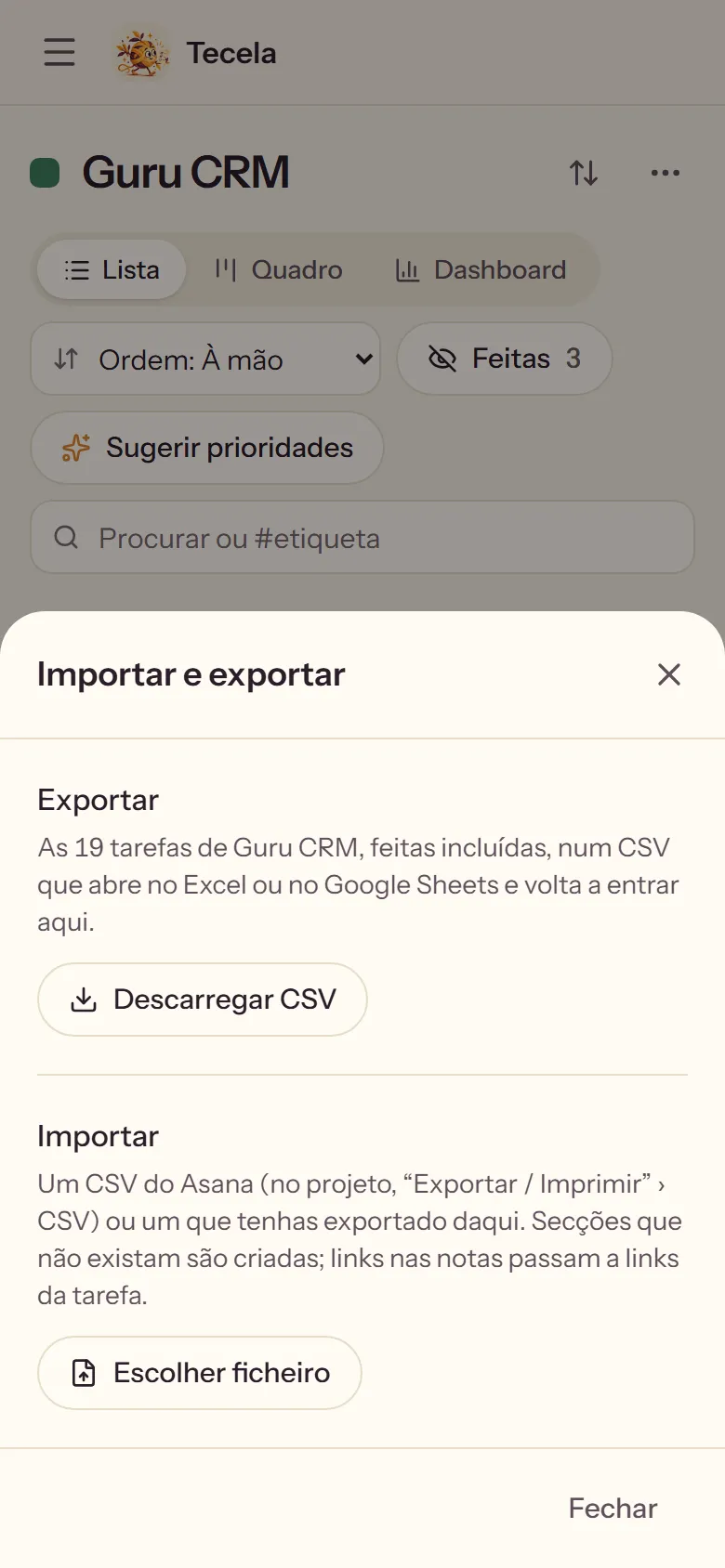
The same project three ways, with drag and drop in the first two. On my client list, the dashboard counts contacts by stage, and it reads as a funnel.
Results
Next, maybe for you too. Pataca, Ecoa and Tecela are NimGuru apps, made by Irina and me for our own home. If other people want them one day, they will open with a free trial and then one small subscription, with everything included from the first day. Inside, a suggestions tab goes straight to me, and what you ask for gets built within a week.