Cadence
Workout
Tracker
Personal Tool / Fitness
2026
Web app
Training plans
On my phone
A personal tool, built for me. I was tracking workouts in a notebook, redrawing a new table every month, impossible to reorganise when I wanted to add exercises or labels. I didn't want a habit tracker or a bloated fitness app, just a simple, minimalist tracker I could shape to my own routine. Built in about 30 minutes, and installed on my phone straight from the browser.
Strategy
I didn't want a habit tracker or a complex fitness app. Just a place to add my own exercises, like "Day 1 Intensity" = 2 sets, each set 3 exercises (pull-ups, squats, dips…), and track them week by week. The notebook forced me to redraw a table every month; this doesn't.
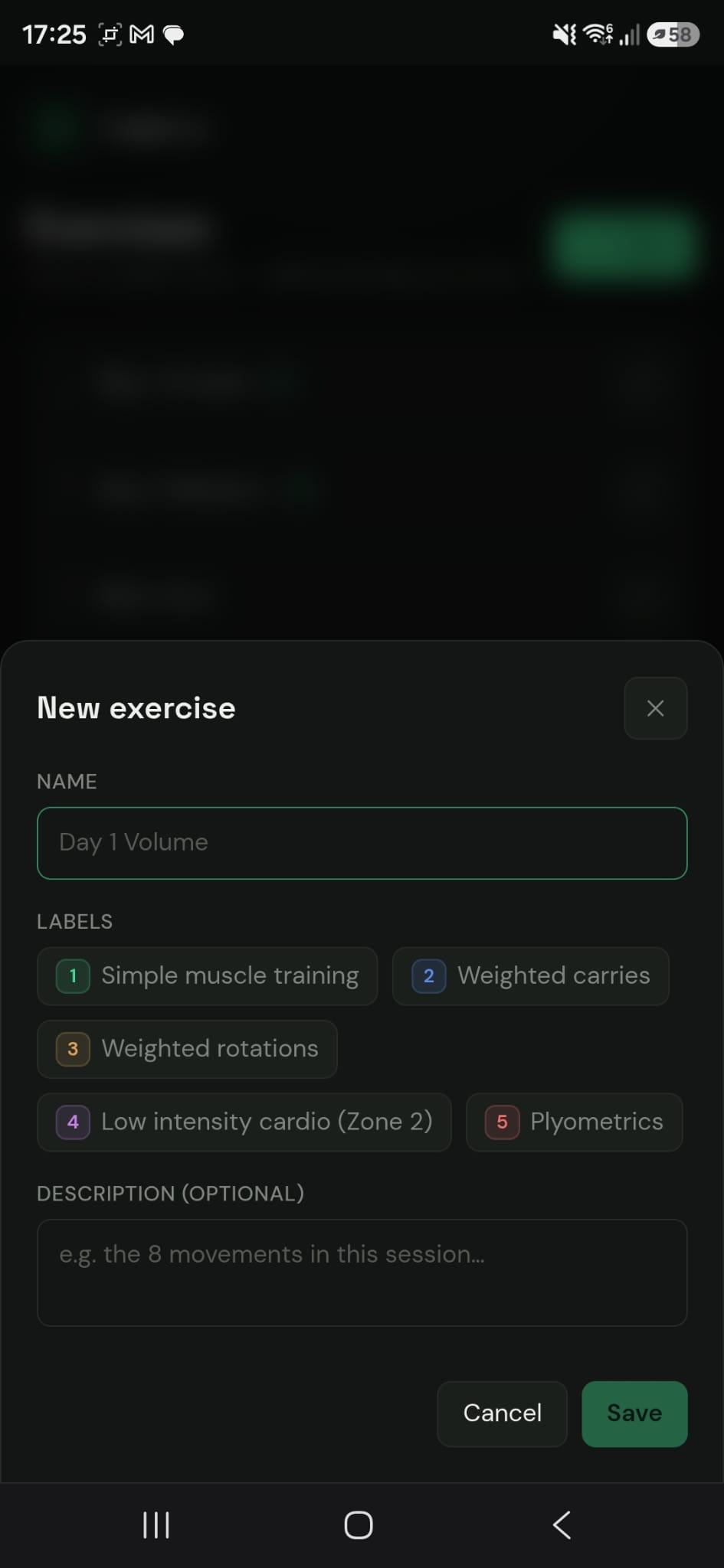
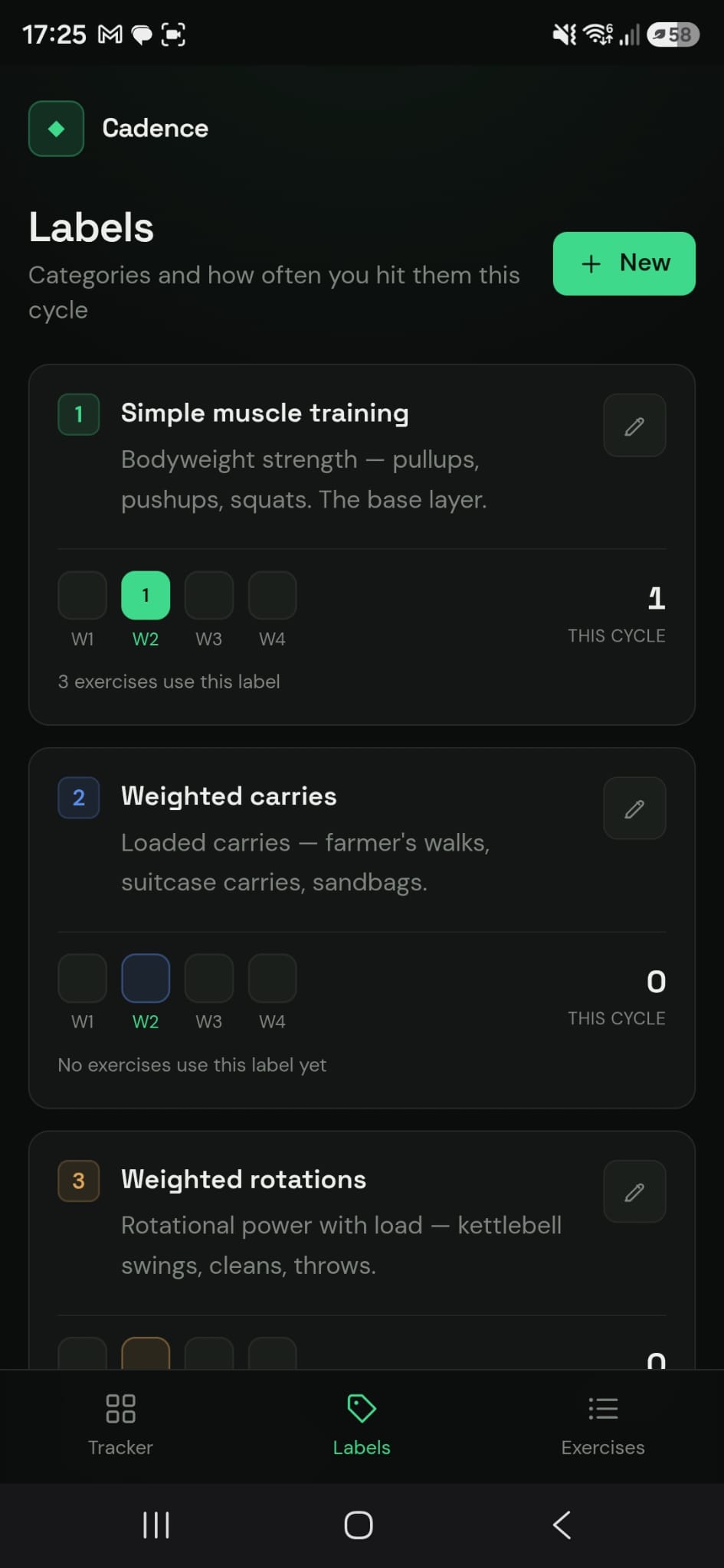
Every exercise can carry a label I create (muscle training, cardio, plyometrics…), and I can add, edit and remove anything. This first version stays simple on purpose, because I already know my workouts, and there's room to grow it later.
I built it in 30 minutes, and now it lives on my phone (open the link → tap the 3 dots → Install). Instead of searching for the "perfect app" for my case, I just built one. :)
Design
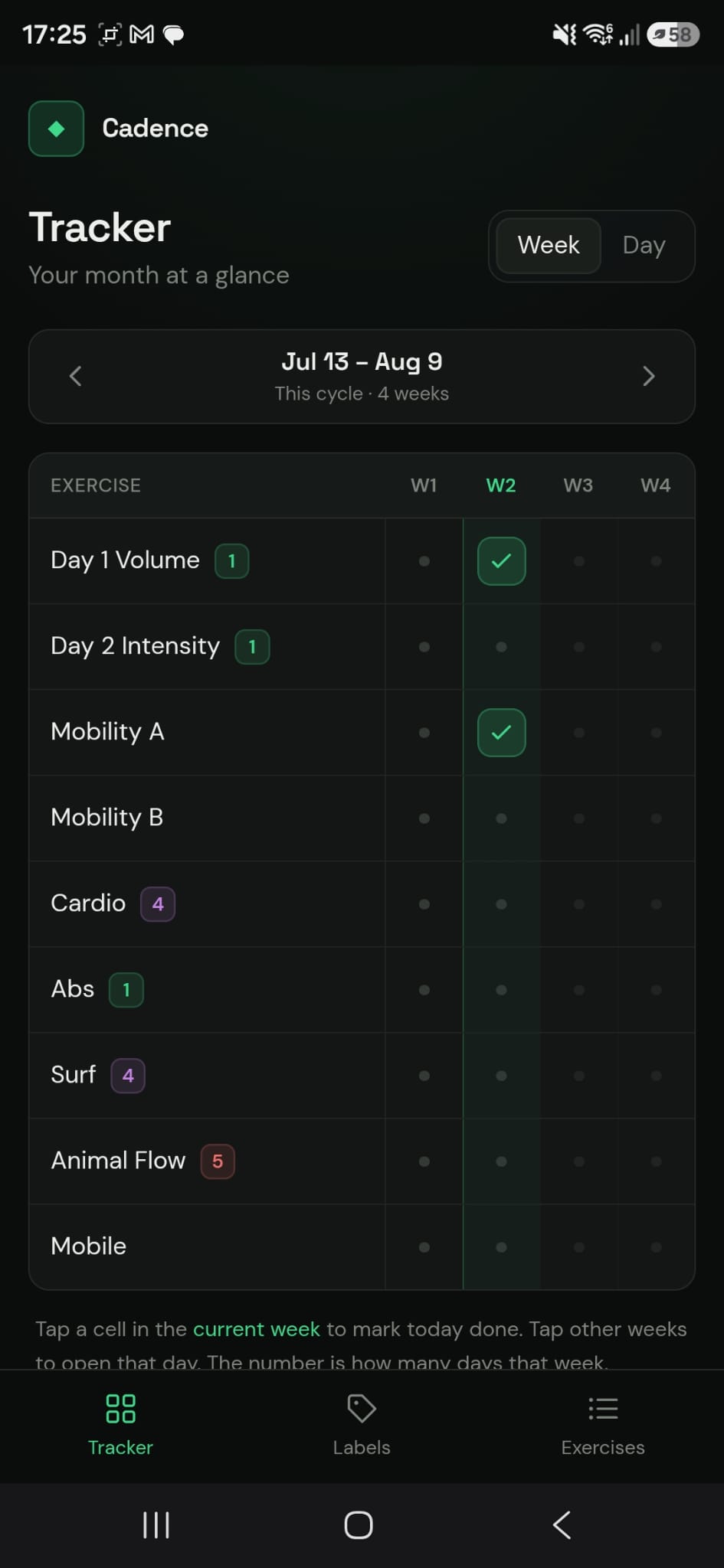
A dark screen with a single bright green for what is done, so a finished day stands out at a glance.
Exercises down the side, days across the top, one tap to tick. The paper table, without redrawing it every month.
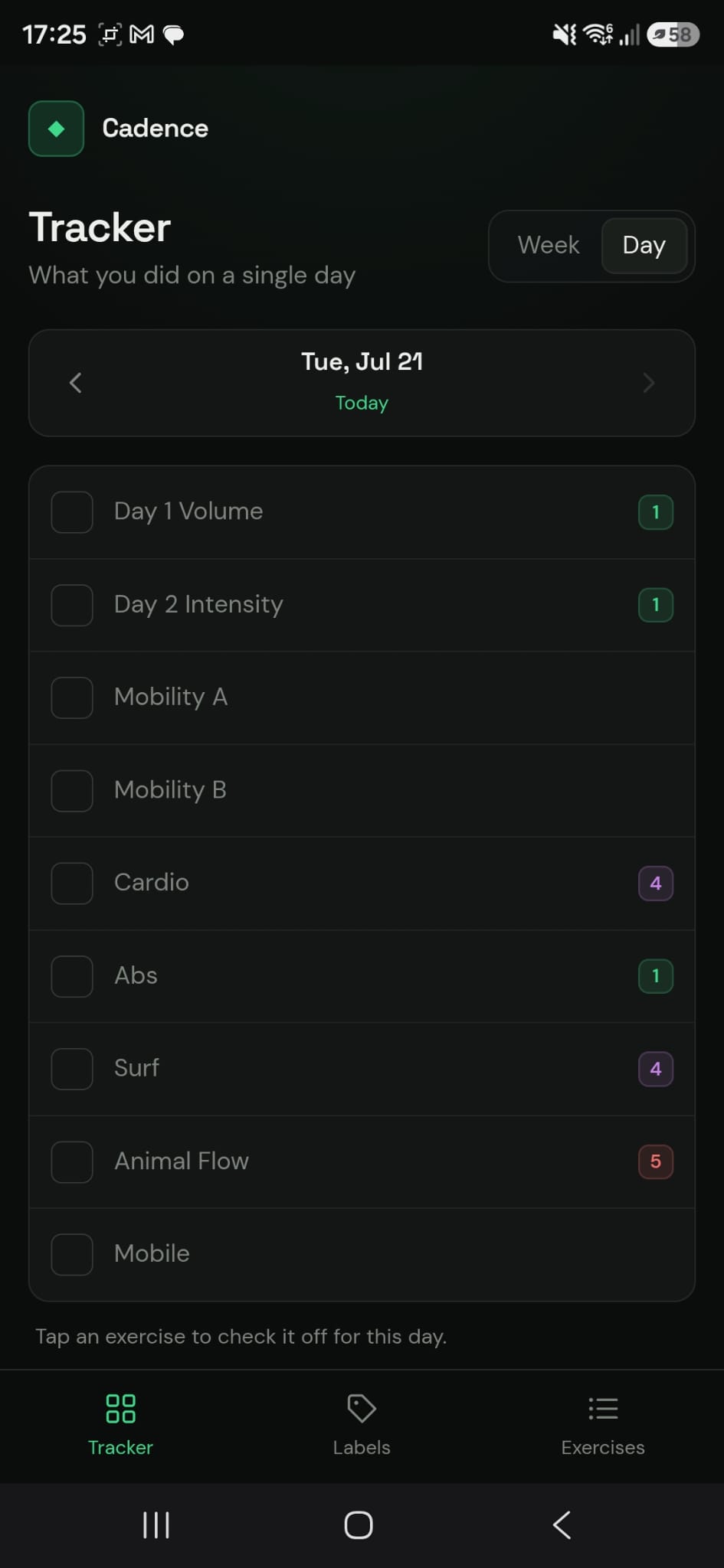
Every label gets a number and a colour, so the list reads in groups without adding a single heading.