Cocoon
Receipt
Scanner
Retreat Center
2026
Web app
Reads receipts
Less admin
Cocoon asked for an end to typing paper receipts into a spreadsheet by hand, column by column, hundreds of them, all about money that has to be right. This app replaces the typing: photograph a receipt, and it reads it and adds a finished row to the spreadsheet they already use.
Strategy
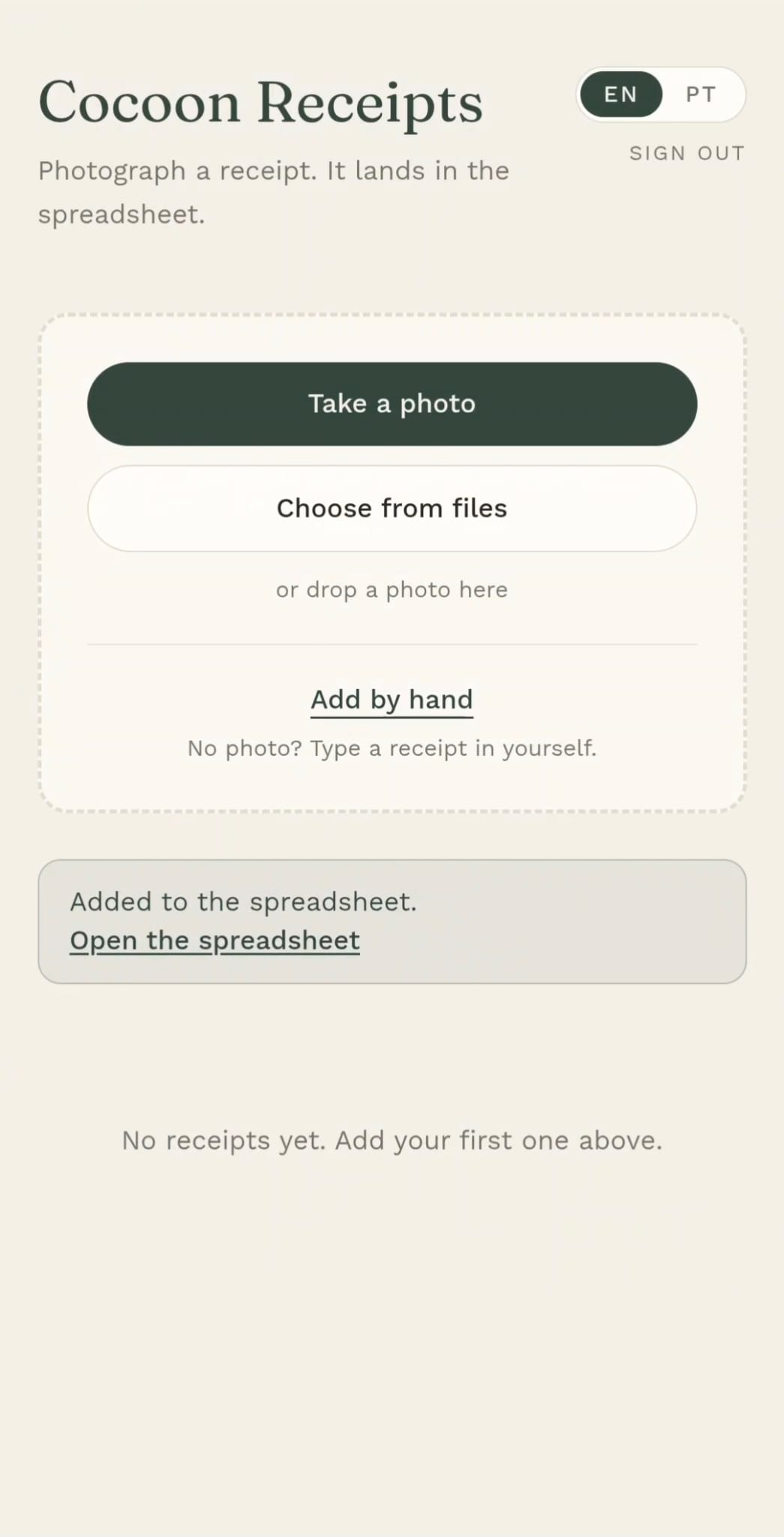
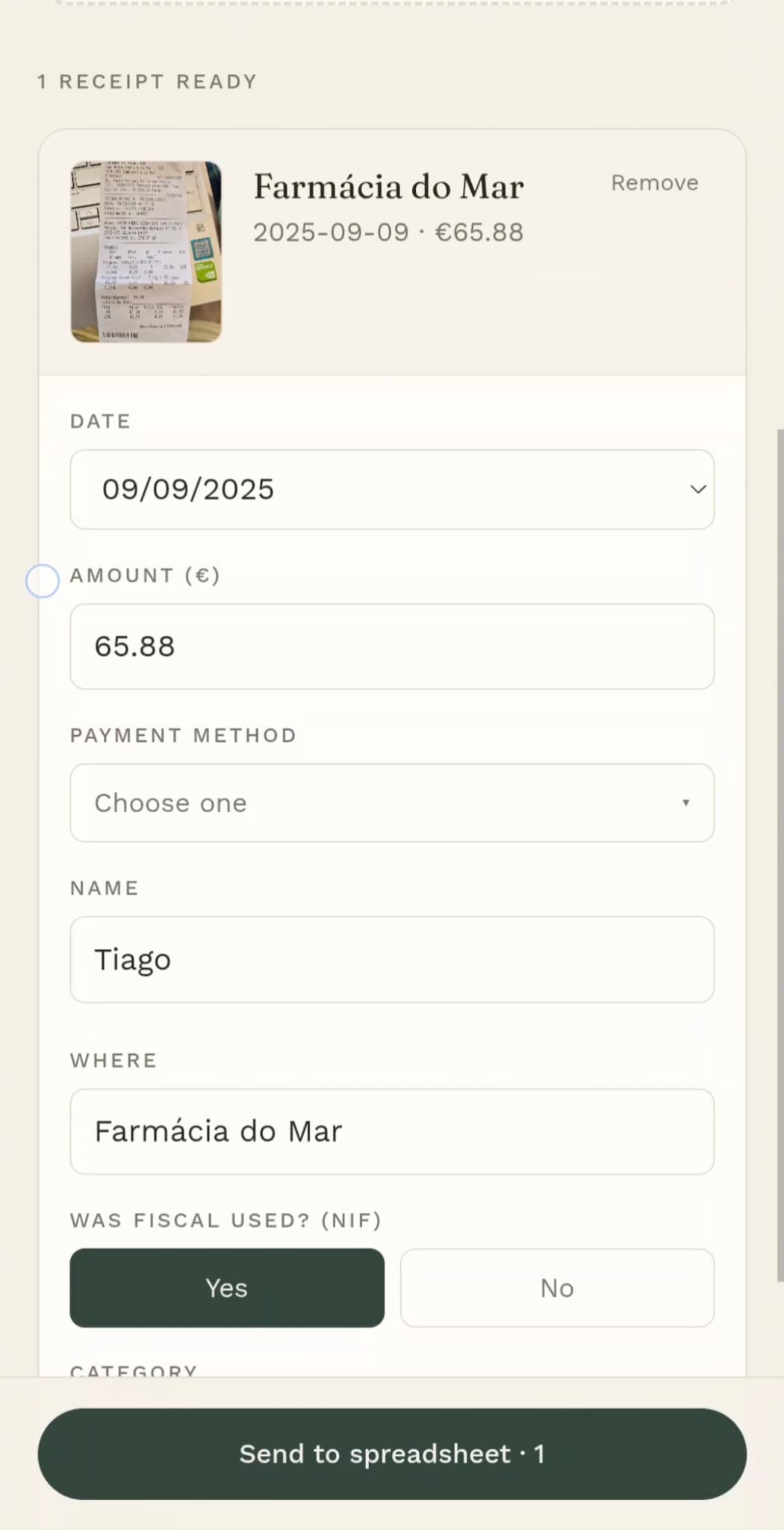
Snap a receipt and the app detects the date, whether the tax number was used, who bought it, the category, the line items, where it was bought, and the details. One tap sends a complete row straight into the spreadsheet they already have.
The hard part was never the math, it was a person reading long receipts, choosing the right category, and summarising what was actually bought (item types and quantities) in the Details column. The app does that read-and-summarise step automatically, and you can review the full ticket in-app.
This is money, so the data has to be right and stored safely. Charts and yearly comparisons can come later. The first step was the one that hurt most: getting every receipt into the sheet, accurately.
Design
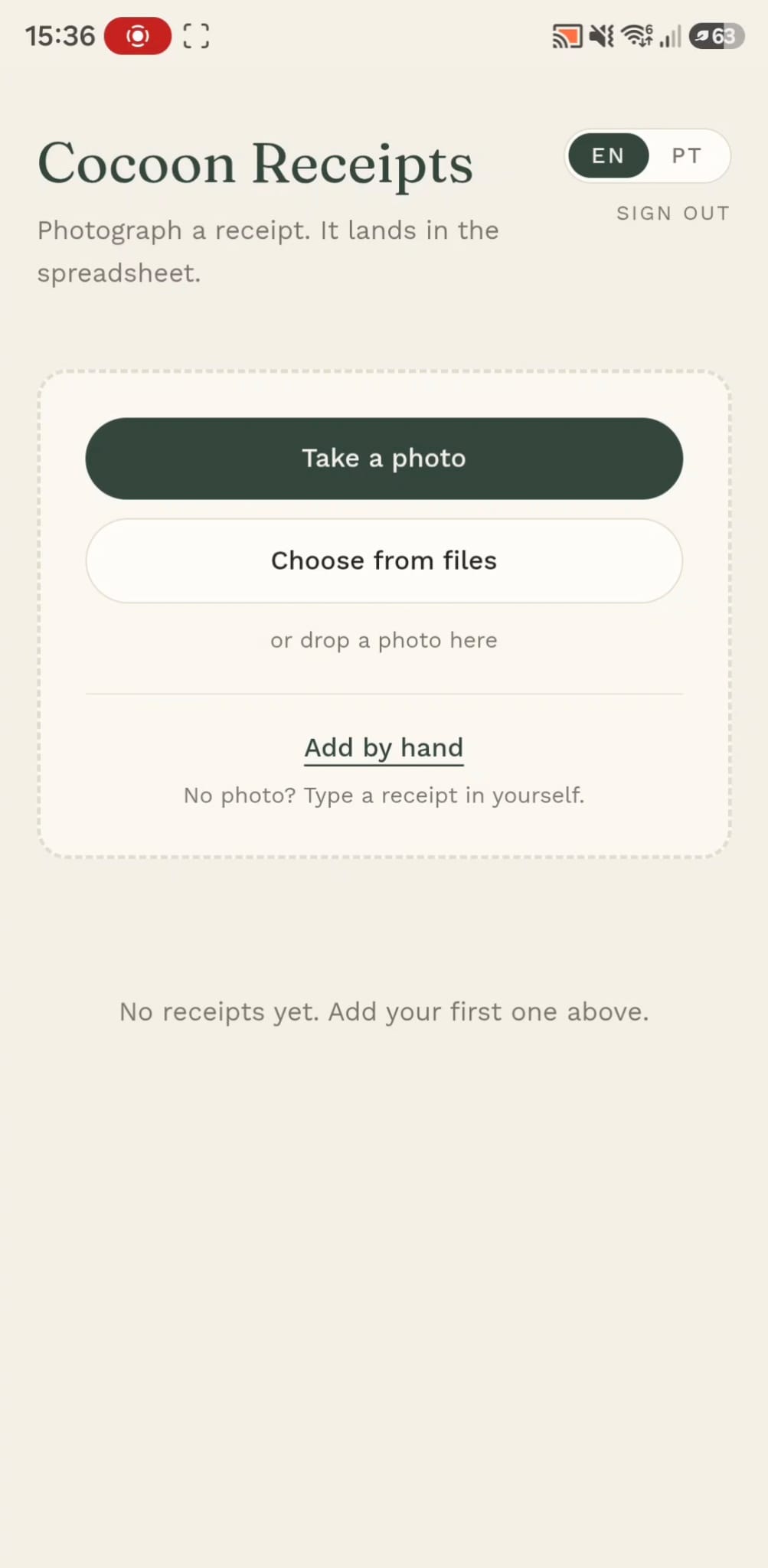
The first screen asks for one thing: a photo. Take one, choose a file or type it by hand, and everything else waits until the receipt is read.
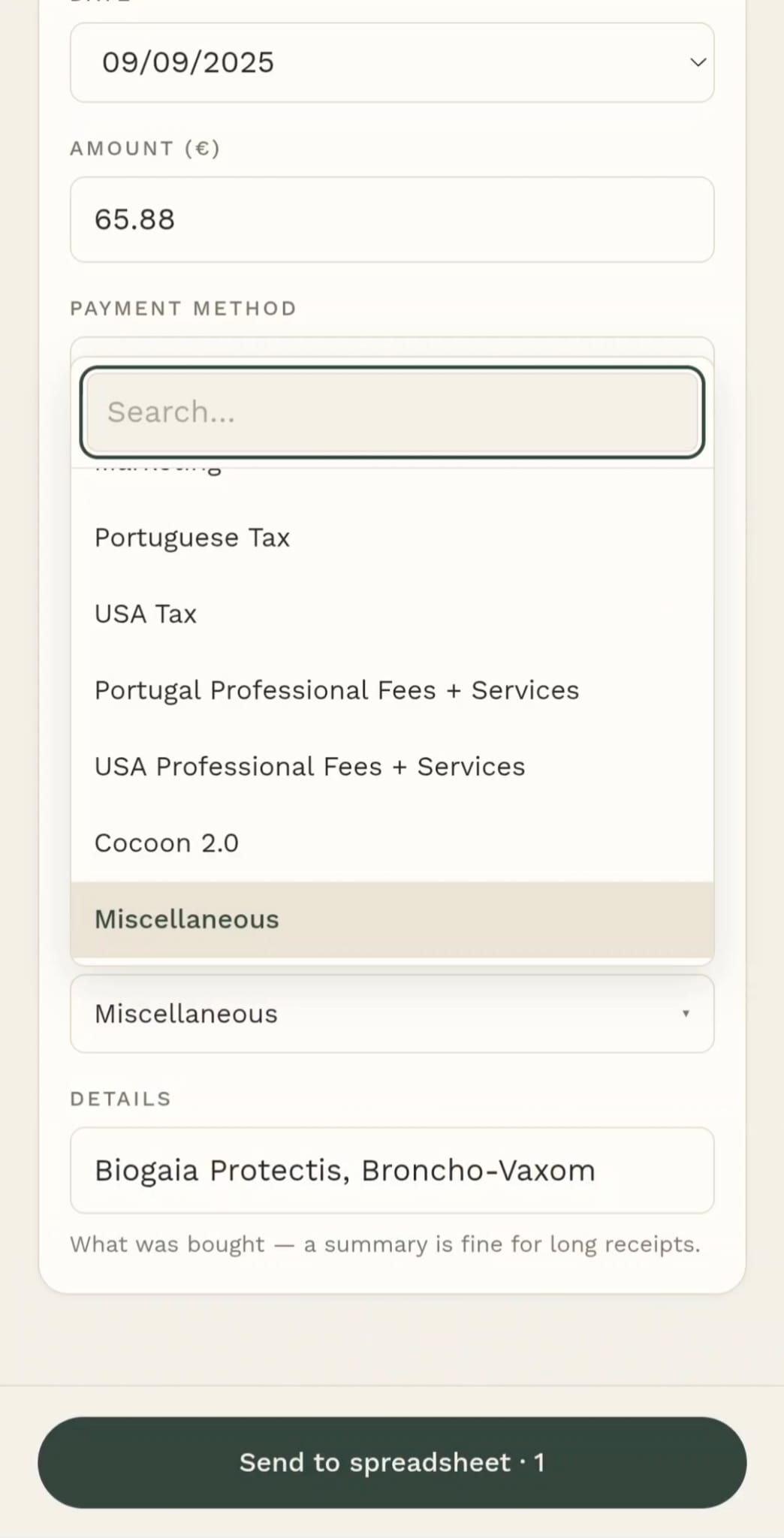
The app fills every field and leaves each one open to change, with a single green button at the foot to send the row.
Large fields, the phone's own pickers and one column, so it works with a receipt in the other hand. English and Portuguese, one tap apart.